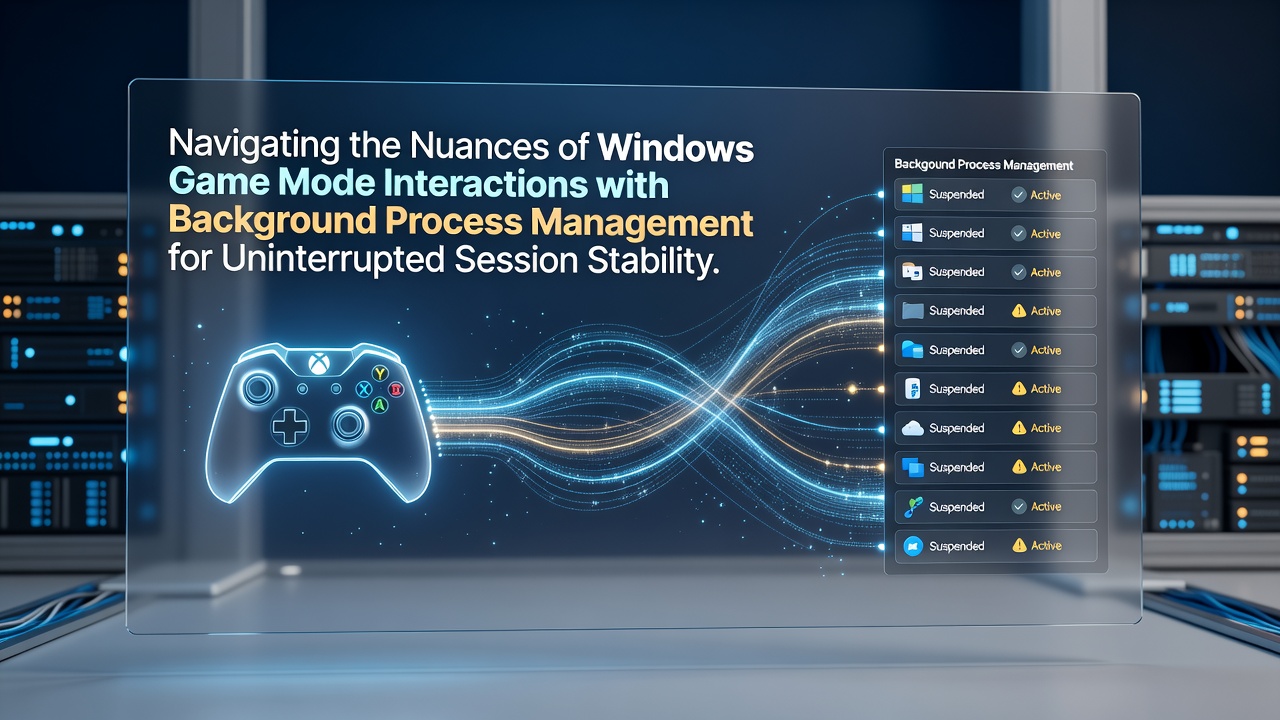
Navigating the Nuances of Windows Game Mode Interactions with Background Process Management for Uninterrupted Session Stability
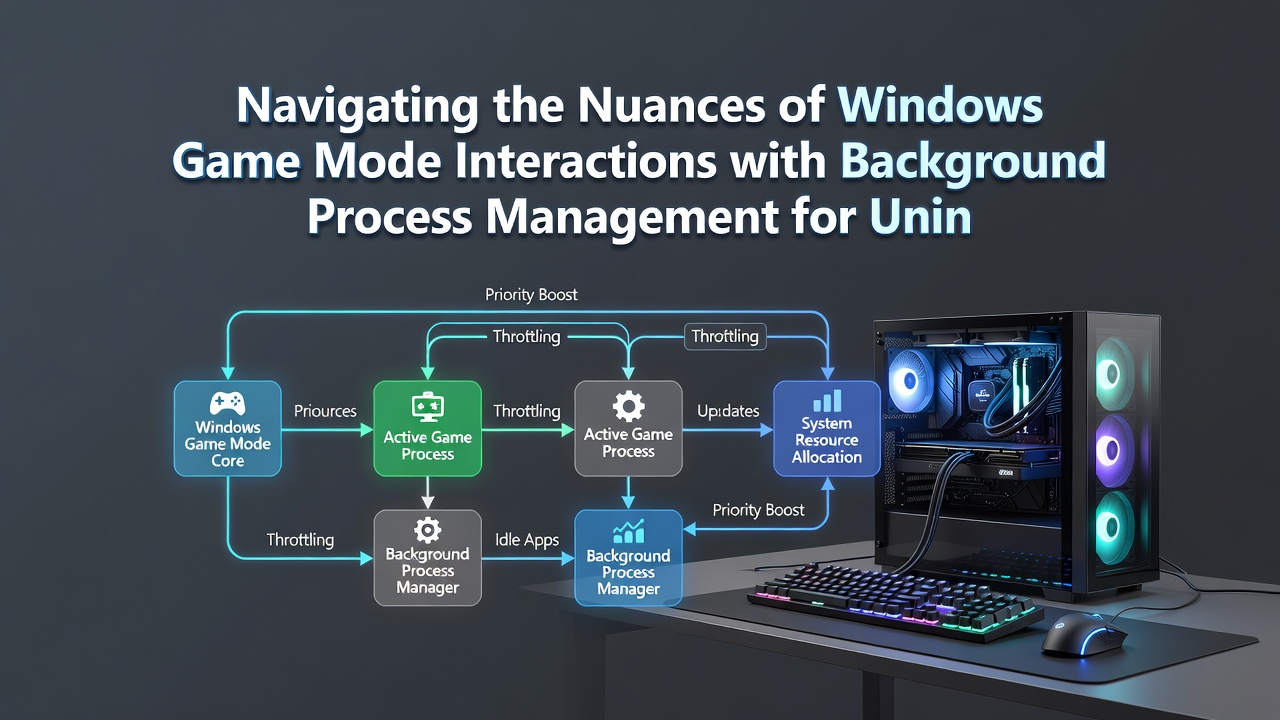
Windows Game Mode operates as a built-in optimization layer that detects active game processes and reallocates CPU and GPU cycles away from non-essential background tasks, which helps maintain consistent frame delivery across extended play periods. Researchers at various institutions have documented how this mechanism interacts with the operating system's process scheduler to suspend or deprioritize applications that might otherwise trigger interrupts such as disk indexing, cloud sync operations, or automatic updates. Data from performance monitoring tools shows that when Game Mode activates, the foreground game thread receives elevated priority while background services receive reduced time slices, reducing the likelihood of frame time variance during demanding sequences.
Core Mechanics of Resource Prioritization
Game Mode integrates with the Windows scheduler by applying specific priority adjustments that favor the game executable over services like Windows Update or third-party antivirus scanners, and observers note that this occurs automatically once the system identifies a full-screen DirectX or Vulkan application. According to Microsoft documentation on system performance features, the feature also limits notification delivery and certain telemetry activities during gameplay, which prevents pop-ups from stealing focus or consuming additional memory bandwidth. Studies from academic labs in North America indicate that these interventions become particularly relevant in configurations where multiple browser tabs or productivity suites remain open in the background, as unchecked processes can otherwise compete for shared cache resources and introduce micro-pauses.
Background Process Management Techniques
System administrators and performance analysts often examine Task Manager entries alongside Game Mode logs to understand which processes receive throttling when a title launches, and figures from controlled benchmarks reveal measurable drops in background CPU utilization once the mode engages. The scheduler employs a combination of process suspension for select UWP applications and priority demotion for desktop programs, which together contribute to session stability by freeing RAM pages and reducing context switches. What's interesting is how these adjustments scale with hardware configurations, where multi-core systems benefit from finer-grained core parking that isolates game threads from sporadic background activity. People who monitor event logs frequently observe that Game Mode also coordinates with the power plan to maintain higher CPU frequency states, preventing thermal or power-limit throttling that might otherwise coincide with background disk activity.
Network-related background tasks receive similar treatment through integration with the system's QoS mechanisms, allowing game packets to maintain consistent latency while download managers or sync clients operate at reduced throughput. Research from European technology institutes demonstrates that disabling Game Mode in test scenarios leads to increased variance in input-to-frame latency when multiple network services remain active, underscoring the feature's role in preserving responsiveness. And yet the interactions grow more complex when users run virtual machines or containerized applications alongside games, because those environments can bypass some of the automatic priority rules.
Compatibility Considerations Across Windows Versions
Windows 11 refinements to Game Mode introduced tighter coupling with the modern standby power model, which affects how background processes resume after idle periods, and data collected through insider preview channels shows reduced wake-from-sleep interruptions during gaming. Users running mixed hardware setups sometimes encounter edge cases where older drivers interfere with the mode's ability to enumerate processes correctly, leading analysts to recommend driver updates that align with the latest scheduler changes. As of October 2026, cumulative updates have further refined the detection heuristics so that Game Mode more reliably distinguishes between competitive titles and lighter indie games, applying graduated levels of background suppression accordingly.
Third-party tools that claim to enhance Game Mode often modify registry keys related to process affinity, yet independent testing laboratories report mixed outcomes when these modifications conflict with the native scheduler logic. Observers tracking stability metrics across large user bases note that the most consistent results come from allowing Game Mode to handle prioritization without additional overlays, especially on systems with limited RAM where background memory pressure can quickly escalate.
Monitoring and Adjustment Strategies
Performance enthusiasts utilize built-in tools such as the Xbox Game Bar overlay to verify Game Mode status in real time, while more advanced users parse performance counters through Windows Performance Toolkit to quantify background thread interference. When issues arise, the recommended diagnostic path involves checking the Services console for entries that Game Mode may have temporarily altered, then restoring defaults after the session ends. Academic papers on operating system scheduling highlight that these dynamic adjustments represent a practical application of feedback control loops, where the system continuously samples foreground CPU demand and recalibrates background allocations within milliseconds.
Enterprise environments sometimes deploy group policies that override Game Mode defaults for security compliance, and reports from Canadian research consortia indicate that such overrides can reintroduce the very interruptions the feature was designed to prevent unless administrators also tune related power and update policies in tandem. The interplay between Game Mode and hardware-accelerated GPU scheduling adds another layer, because both features compete for similar resource reservation pathways on supported graphics cards.
Conclusion
Effective navigation of Windows Game Mode requires understanding its scheduler-level interactions with background processes, and organizations that maintain detailed performance baselines continue to refine their configurations based on telemetry gathered across diverse hardware fleets. Continued evolution of the Windows kernel promises further refinements to these mechanisms, particularly as multi-monitor and multi-application workflows become more common among gamers.